The Music Waveform blog
Guides for turning audio into video
Short, practical walkthroughs for making waveform videos, audiograms and audio visualizations, with the free, browser-based Music Waveform, a free online audio visualizer and waveform video maker. No signup, no upload, no watermark.
-
 Editing
How to Export a Waveform with a Transparent Background
Two ways to get a see-through waveform: a WebM with a real alpha channel, or a sequence of transparent PNG frames. Which to pick, and what each needs from your browser.
-
 Troubleshooting
Why Waveform Export Fails on Some Phones (and What to Do)
Everything runs on your own device, so your phone does the encoding. Here is why an export can stall or fail on mobile, and the settings that get it through.
-
 Reference
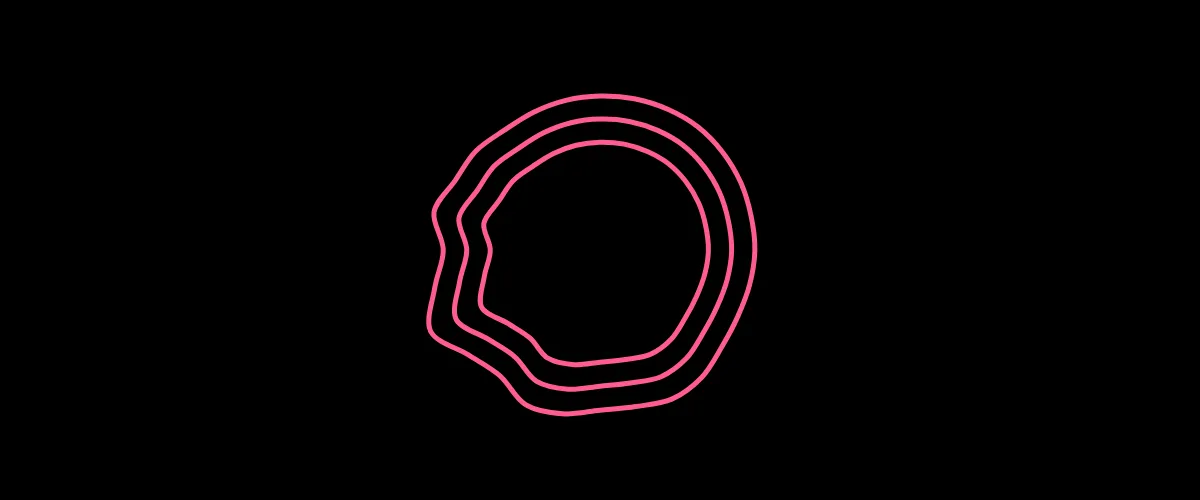
Blob and Circle: Waveform Styles That Work as a Centerpiece
Two closed-contour waveform styles that sit in the middle of the frame instead of running along the bottom: what each one does, the settings that matter, and when to use them.
-
 Getting started
How to Make a Waveform Video (Free, No Signup)
A step-by-step guide to turning any audio file into an animated waveform video and exporting it as an MP4: free, in your browser, with no account.
-
 How-to
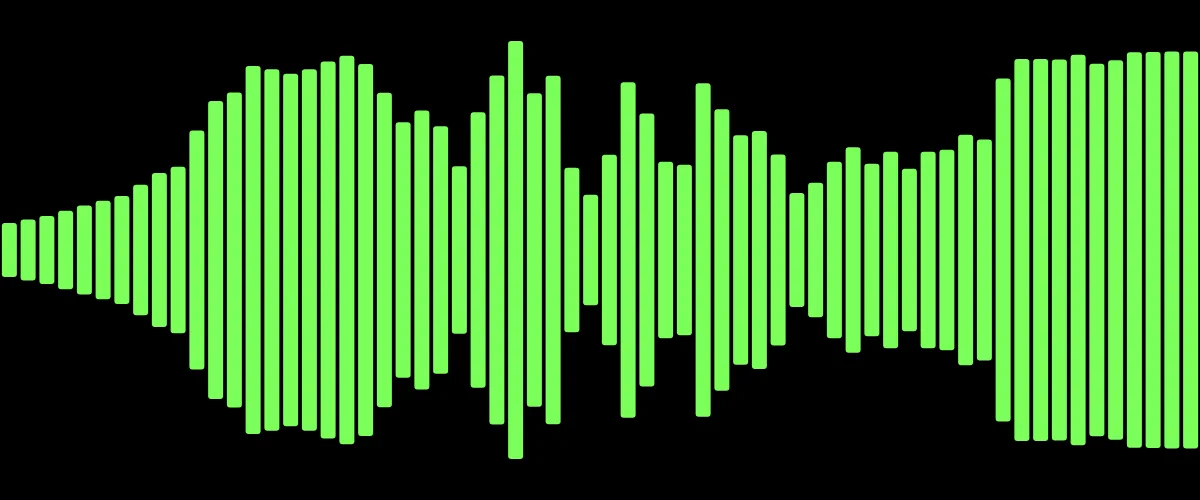
How to Convert an MP3 to an MP4 with a Waveform
Most platforms won't accept a bare MP3. Here's how to convert an MP3 into an MP4 video with an animated waveform: free, in your browser, no upload.
-
 Podcasting
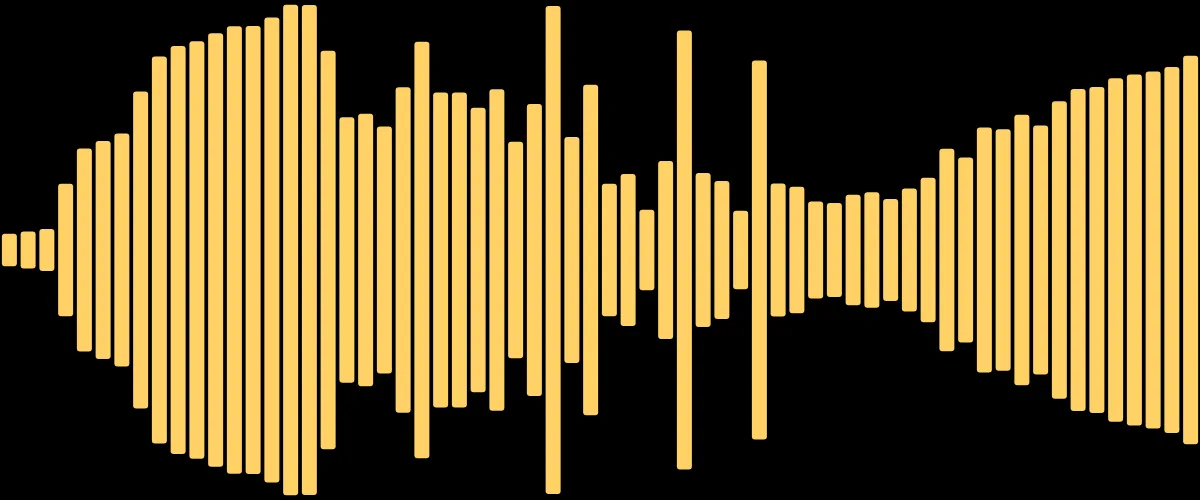
How to Make an Audiogram for Your Podcast (Free)
An audiogram is a short, captioned waveform video that turns a podcast clip into something shareable on social. Here's how to make one for free.
-
 Reference
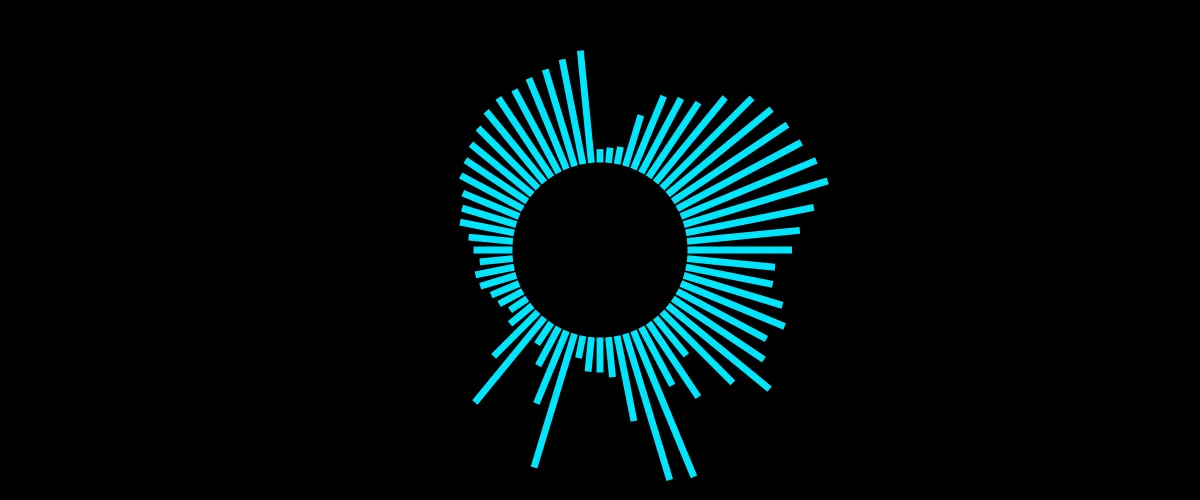
8 Waveform Styles Explained: Which to Use and When
Bars, mirror, radial, scope, area, dots, blob and circle: what each waveform style looks like, what it's good for, and how to pick the right one for your track.
-
 Editing
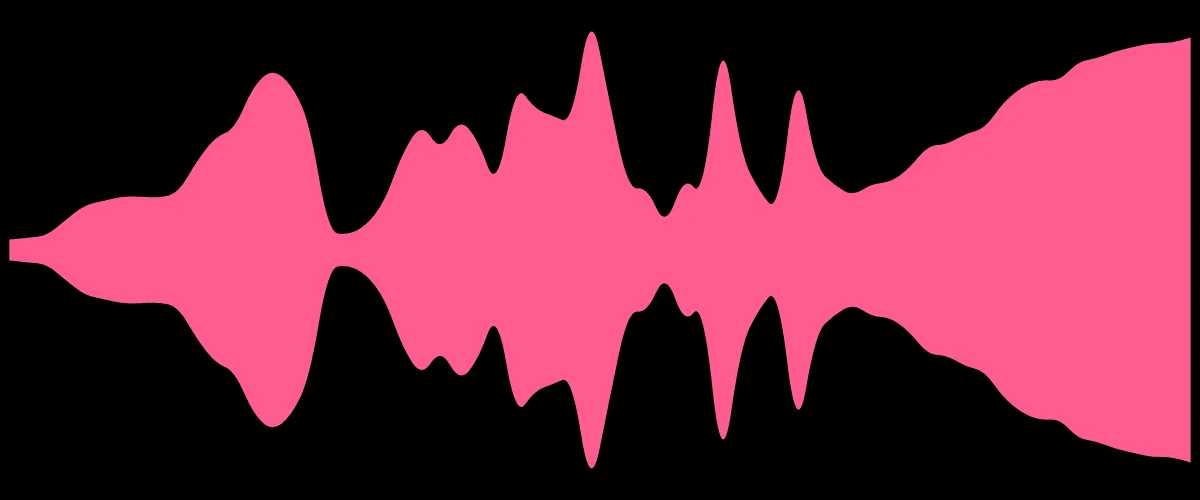
How to Add a Waveform Over Your Video (Screen Blend Mode)
Music Waveform exports on a black background so you can lay it over any footage. Here's how to composite it using the Screen blend mode in any editor.
-
 Social
Waveform Videos for Instagram, TikTok & YouTube: Sizes and Tips
The right dimensions and settings for waveform videos on Instagram, TikTok, YouTube and Stories, so your clip fills the frame and stops the scroll.
-
 Under the hood
Why a Real MP4 Export Beats Screen-Recording a Visualizer
Screen-recording an audio visualizer gives you dropped frames and drift. Here's why frame-by-frame MP4 export with WebCodecs looks and syncs better.
-
 How-to
How to Turn a Voice Memo or Spoken Audio into a Video
Speech visualizes differently from music. Here's how to turn a voice memo, interview or narration into a clean waveform video that reads well.
-
 Design
How to Choose Colors for Waveform Videos That Pop
Why dark colors disappear in waveform overlays, and how to pick bright, high-contrast colors that stay vivid when composited with Screen blend mode.
-
 Privacy
How to Visualize Audio Without Uploading Your Files
Most online visualizers upload your audio to a server. Here's how a browser-based tool visualizes and exports audio entirely on your device, with no upload.
A note on these articles: they were written with the help of AI (Claude) and published by Music Waveform, then reviewed for accuracy against how the tool works.