Convert & export
How to Convert an MP3 to an MP4 with a Waveform
How do you convert an MP3 to an MP4?Open Music Waveform, drop the MP3 in, pick a waveform style and an output resolution, then export. You get a real H.264 MP4 with the original audio muxed in: encoded frame by frame, not screen-recorded. WAV, OGG, M4A/AAC and FLAC work the same way.
The conversion runs on your own machine, so nothing is uploaded. Export needs a Chromium browser (Chrome, Edge, Opera) or Safari 17+.
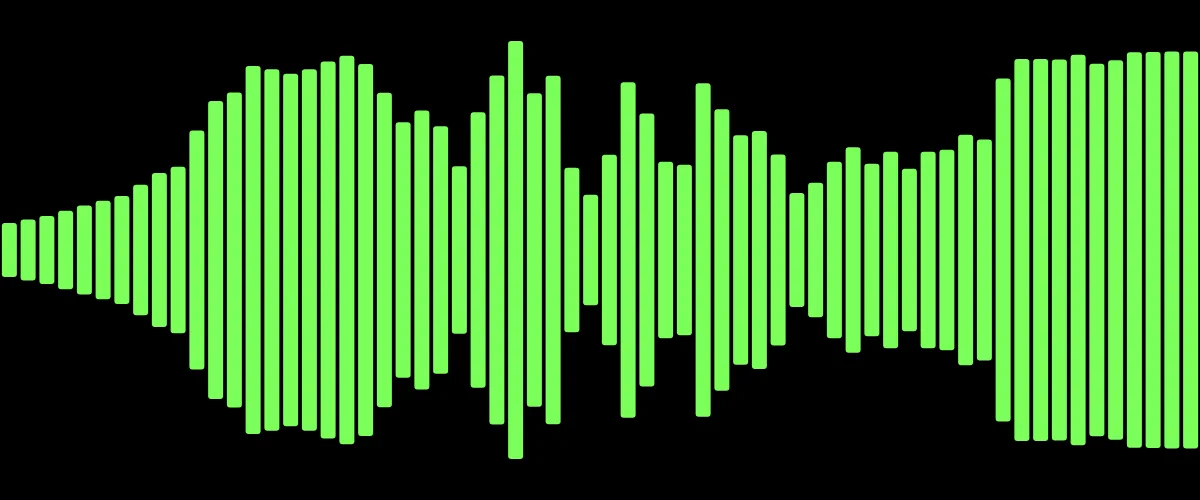
YouTube, Instagram and most social platforms want a video file, not a bare audio file. The cleanest way to turn an MP3 into an MP4 is to give it something to show: an animated waveform that moves with the sound.
Why you can't just upload an MP3
An MP3 is audio only: there are no frames for a video player to display. Uploaders reject it or ask for a video. You could pair the audio with a static image, but a moving waveform looks far more intentional and keeps a viewer's eye on the screen.
Convert MP3 to MP4, step by step
- Open Music Waveform, the free waveform video maker, and drop your MP3 onto the canvas. It decodes locally in the browser.
- Pick a waveform style and a bright color.
- Set the output size for your destination (1920×1080 for YouTube, 1080×1080 for a feed post).
- Export. You get a real MP4 with H.264 video and your audio muxed in, ready to upload.
Does the MP3 get uploaded anywhere?
No. All decoding, rendering and encoding happen on your device. Your file is never sent to a server, which also means the conversion is as fast as your machine and keeps working if your connection drops after the page has loaded. See how visualizing audio without uploading works.
Other formats
The same process works for WAV, OGG, M4A/AAC and FLAC, not just MP3. Whatever you load, the output is a standard MP4 that plays anywhere. If your audio is speech rather than music, see turning a voice memo into a video.
Make your waveform video
Free, no signup, right in your browser. Load a track and export an MP4.
About this article: it was written with the help of AI (Claude) and published by Music Waveform. We review our posts for accuracy against how the tool actually works, but if you spot something off, email damienyvert.dev@gmail.com.