Getting started
How to Make a Waveform Video (Free, No Signup)
How do you make a waveform video?Load an audio file into Music Waveform, choose one of eight waveform styles, and export an MP4. It is free, needs no account and adds no watermark, and the file never leaves your device: decoding, rendering and H.264 encoding all happen in the browser tab.
The live preview works in any modern browser. MP4 export uses the WebCodecs API, so it needs Chrome, Edge, Opera or another up-to-date Chromium browser, or Safari 17+.
A waveform video turns a flat audio file into something you can actually watch: an animated line, bar spectrum or radial burst that moves in time with the sound. Here is the fastest way to make one for free.
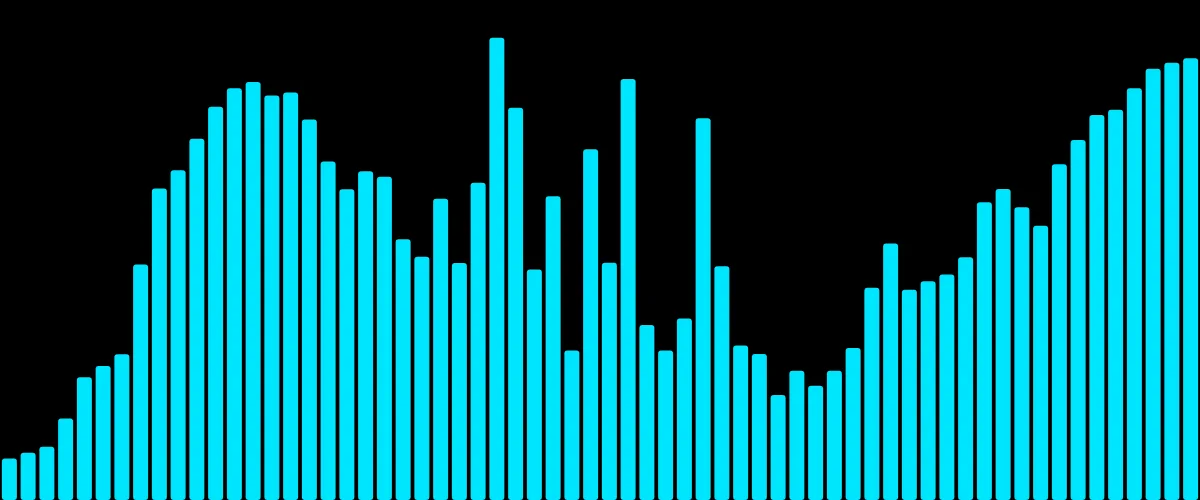
What you need
Nothing to install. Music Waveform, the free online audio visualizer, runs entirely in your browser, so you just need an audio file and a modern browser. For the final MP4 export you'll want Chrome, Edge, Opera or another up-to-date Chromium browser (or Safari 17+), because export uses the WebCodecs API. The live preview works everywhere.
Step by step
- Load your audio. Drag an MP3, WAV, OGG, M4A/AAC or FLAC file — or an MP4 or iPhone .mov, and the audio comes out of it — onto the canvas, or click to pick one. It's decoded locally: the file never leaves your device.
- Pick a style. Choose one of eight shapes: bars, mirror, radial, scope, area, dots, blob or circle. Not sure which? See the styles explained.
- Tune the look. Set the color, how strongly the shape reacts to the audio, and the resolution. The preview animates in sync with playback so you can scrub and check.
- Export to MP4. Hit export. The tool renders a clean MP4 on a black background, encoded with hardware-accelerated H.264.
Getting a good result
A few habits make the difference between a flat clip and one that feels alive:
- Use bright colors. Because the clip is composited with Screen, dark colors read as nearly invisible. Light, saturated colors pop. More on this in choosing colors.
- Match the resolution to where it's going. 1080×1080 for a square social post, 1920×1080 for YouTube, 1080×1920 for Stories and Reels.
- Preview before you commit. Scrub to the loudest part of the track and make sure the shape isn't clipping or barely moving; adjust the reaction until it feels right.
Common uses
People make waveform videos to release a single or lyric snippet, to promote a podcast episode as an audiogram, to convert an MP3 into an uploadable MP4, or simply to add motion behind spoken audio. Whatever the source, the flow above is the same.
Make your waveform video
Free, no signup, right in your browser. Load a track and export an MP4.
About this article: it was written with the help of AI (Claude) and published by Music Waveform. We review our posts for accuracy against how the tool actually works, but if you spot something off, email damienyvert.dev@gmail.com.