Social media
Waveform Videos for Instagram, TikTok & YouTube: Sizes and Tips
What size should a waveform video be?1080×1920 for TikTok, Reels and Stories; 1080×1080 for an Instagram feed post; 1920×1080 for YouTube. Set the resolution before exporting rather than cropping afterward: the waveform is laid out to the canvas, so a vertical export is composed for vertical.
Keep the clip short and the color bright: these feeds autoplay muted, so the motion of the waveform is what stops the scroll.
A waveform video only works on social if it fits the frame and reads while muted. Here are the dimensions and settings that matter for each platform, and a few habits that keep your clips looking sharp.
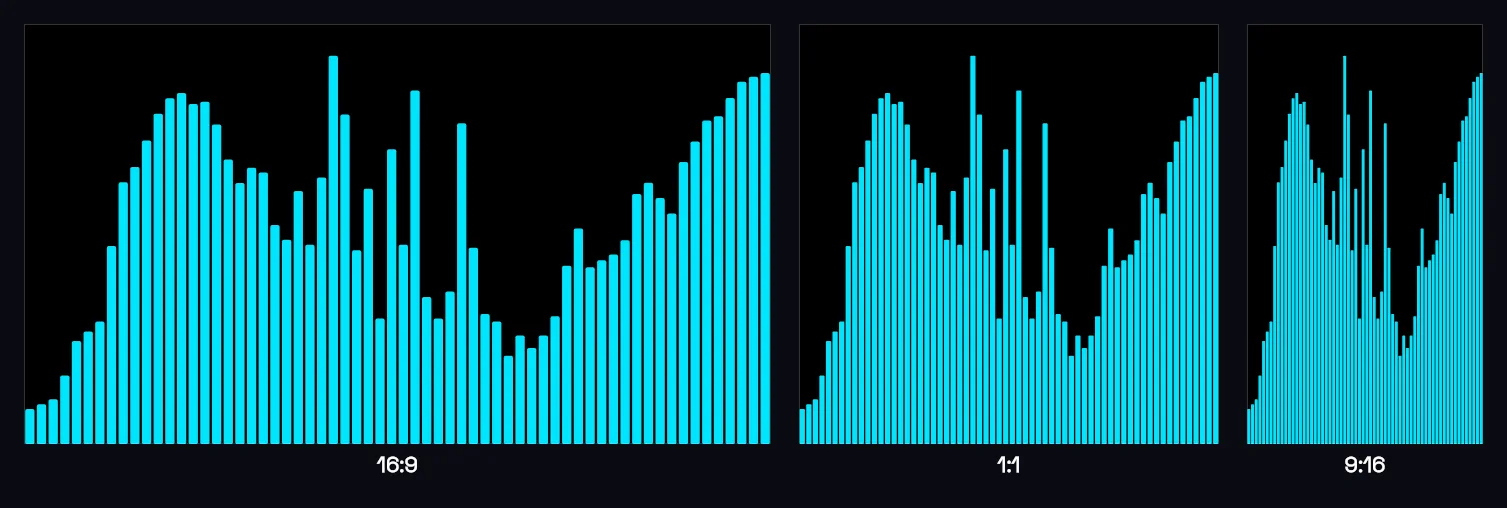
Dimensions by platform
- Instagram / TikTok Reels & Stories: 1080×1920 (9:16, vertical).
- Instagram feed: 1080×1080 (1:1, square) or 1080×1350 (4:5).
- YouTube (landscape): 1920×1080 (16:9).
- YouTube Shorts: 1080×1920 (9:16).
Set the output resolution in Music Waveform, the free waveform video maker, before exporting so the waveform is composed for that shape rather than stretched afterward.
Design for muted autoplay
Most feeds autoplay muted, so the visual has to carry the first second. A moving waveform does exactly that: it signals sound and creates motion. Push it further with:
- A bright, on-brand waveform color (dark colors get lost, see choosing colors).
- Burned-in captions or a title, added over the exported clip in your editor.
- A background image or brand color, composited behind the waveform with Screen: see adding a waveform over video.
Keep it short
For Reels, Shorts and TikTok, 15–30 seconds of the strongest moment beats a full track. If you're clipping a podcast, that's exactly an audiogram.
From audio file to post
If you're starting from a bare audio file, the whole path is just converting the MP3 to an MP4 at the right size, then uploading. No app install, no watermark.
Make your waveform video
Free, no signup, right in your browser. Load a track and export an MP4.
About this article: it was written with the help of AI (Claude) and published by Music Waveform. We review our posts for accuracy against how the tool actually works, but if you spot something off, email damienyvert.dev@gmail.com.