Reference
8 Waveform Styles Explained: Which to Use and When
Which waveform style should you use?Bars or radial for beat-driven music; area, blob or scope for ambient and acoustic material; bars or mirror for speech and podcasts; circle for a square post with the waveform around album art.
All eight styles take the same color, reaction and resolution controls and the preview updates live, so the reliable answer is to click through them against your own track: a style that suits a demo can read completely differently on your material.
Music Waveform ships eight shapes. They're not just cosmetic: each reads differently depending on whether you're visualizing a beat-driven track, an ambient pad or a talking voice. Here's a quick guide to choosing.
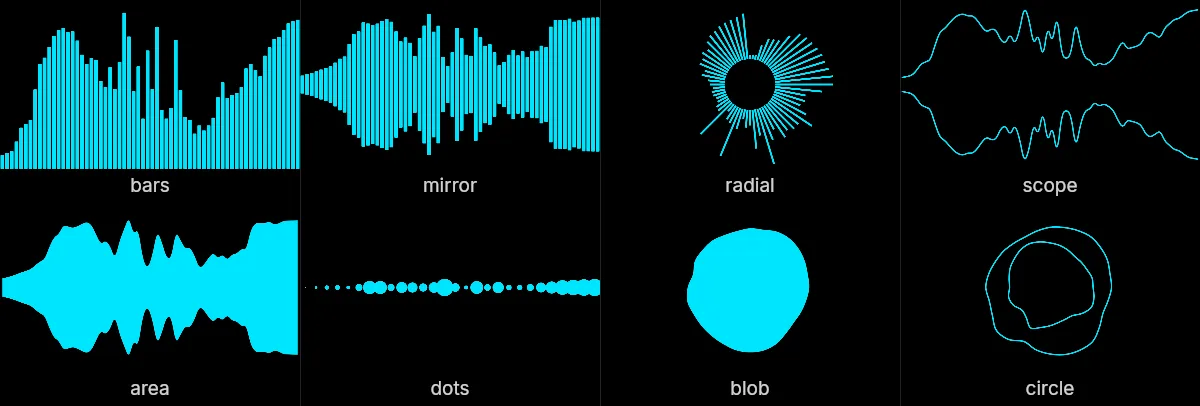
The eight styles
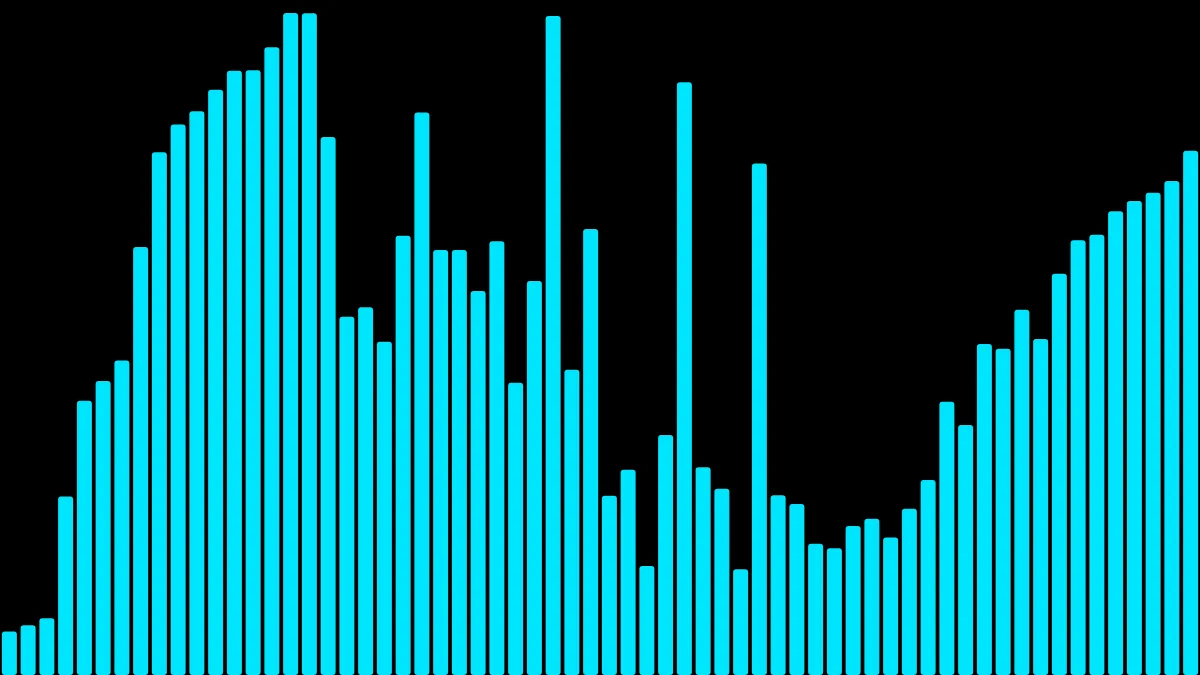
Bars
Discrete vertical bars, like a classic spectrum. The most legible, all-purpose choice. Great for music with a clear beat and for podcast audiograms because it stays readable even when small.
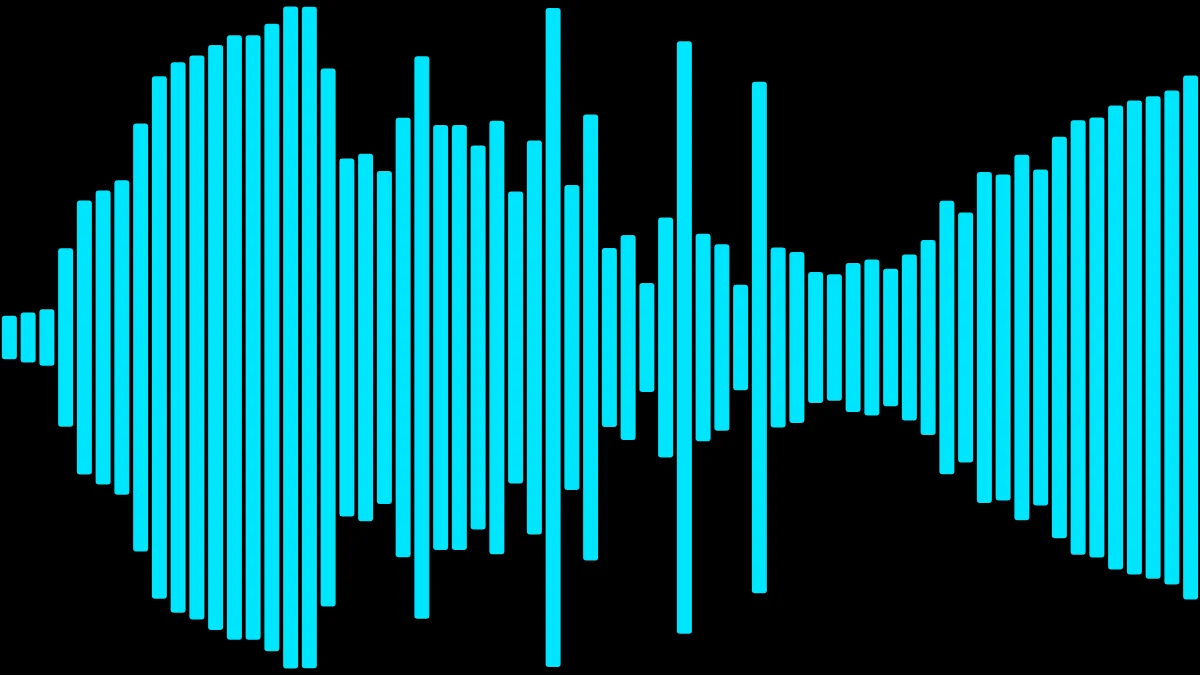
Mirror
Bars (or a filled shape) reflected around a center line for a symmetrical look. Feels polished and balanced; a safe default for social posts and lyric videos.
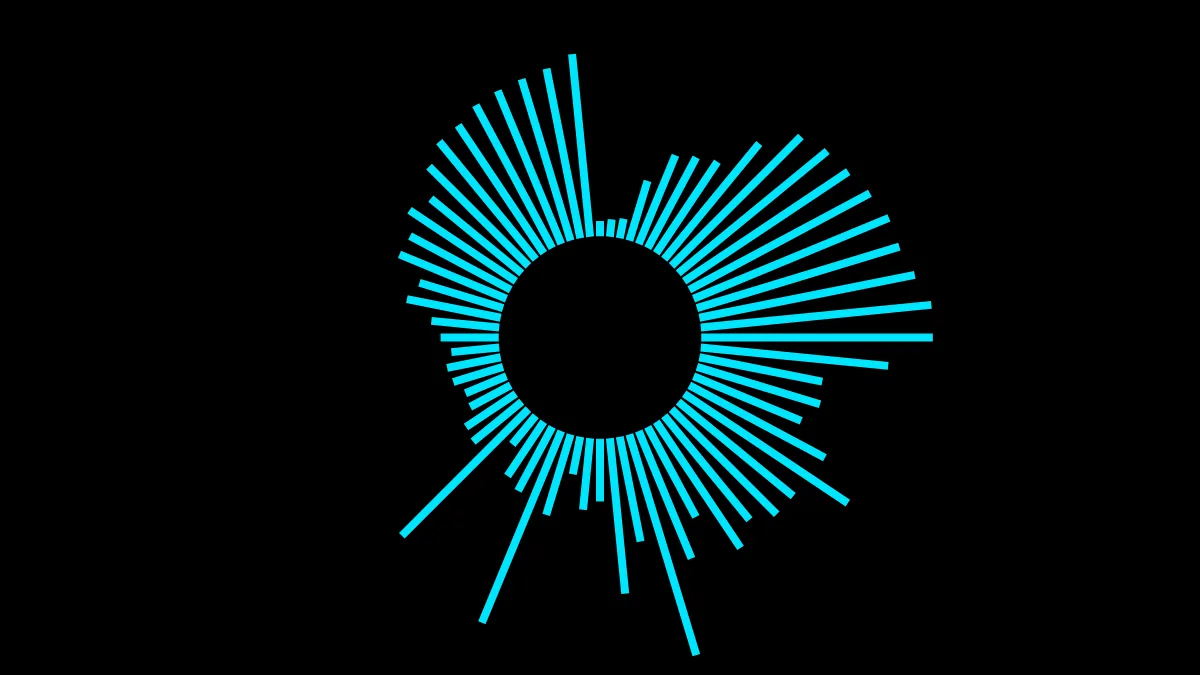
Radial
The waveform wraps around a circle and pulses outward. High-impact and eye-catching: ideal for a single release or an album-art-style centerpiece. Pair it with album artwork behind it using Screen compositing.
Scope
A continuous oscilloscope line that traces the raw signal. Technical and hypnotic; suits electronic music, sound design and anything where you want a "signal" aesthetic.
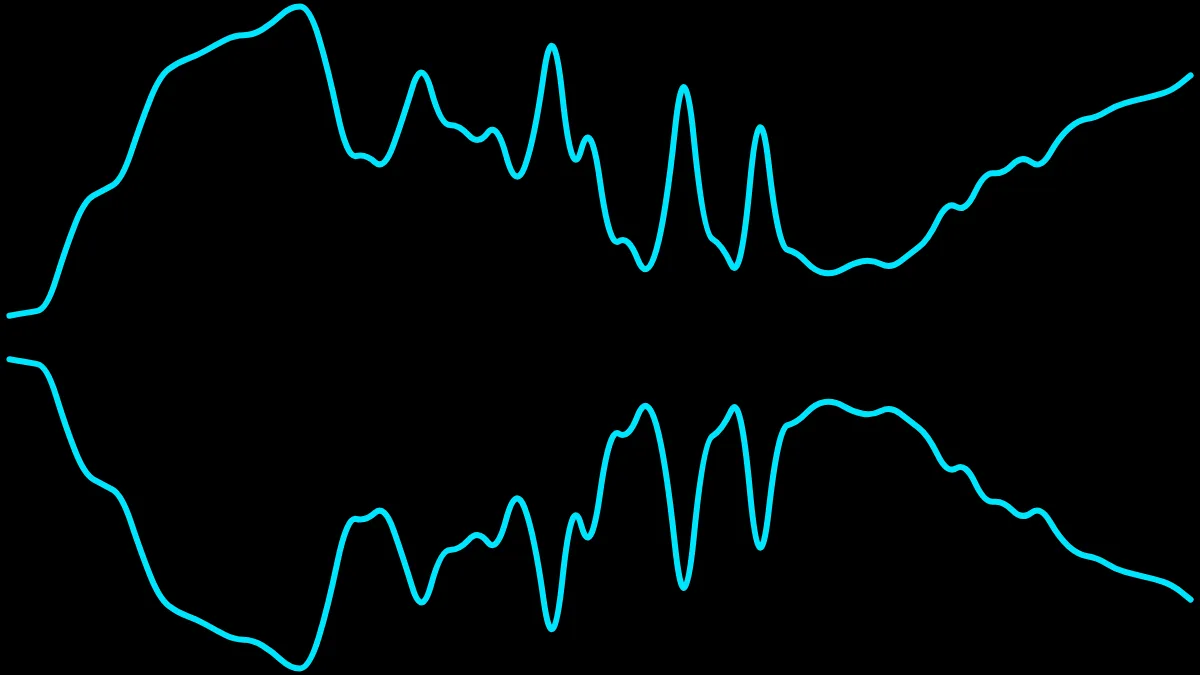
Area
A filled area under the waveform curve. Soft and flowing: good for ambient, acoustic or spoken material where hard bars would feel too aggressive.
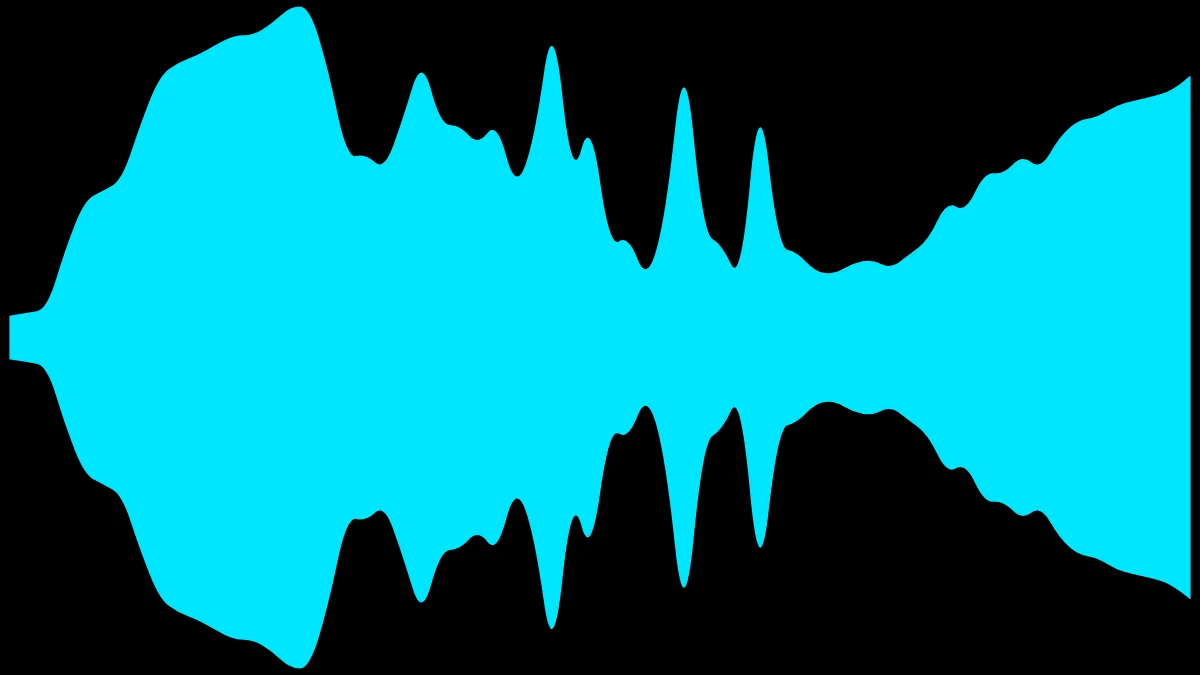
Dots
Points instead of solid shapes, for a lighter, more playful texture. Nice over busy backgrounds where a solid shape would overwhelm the frame.
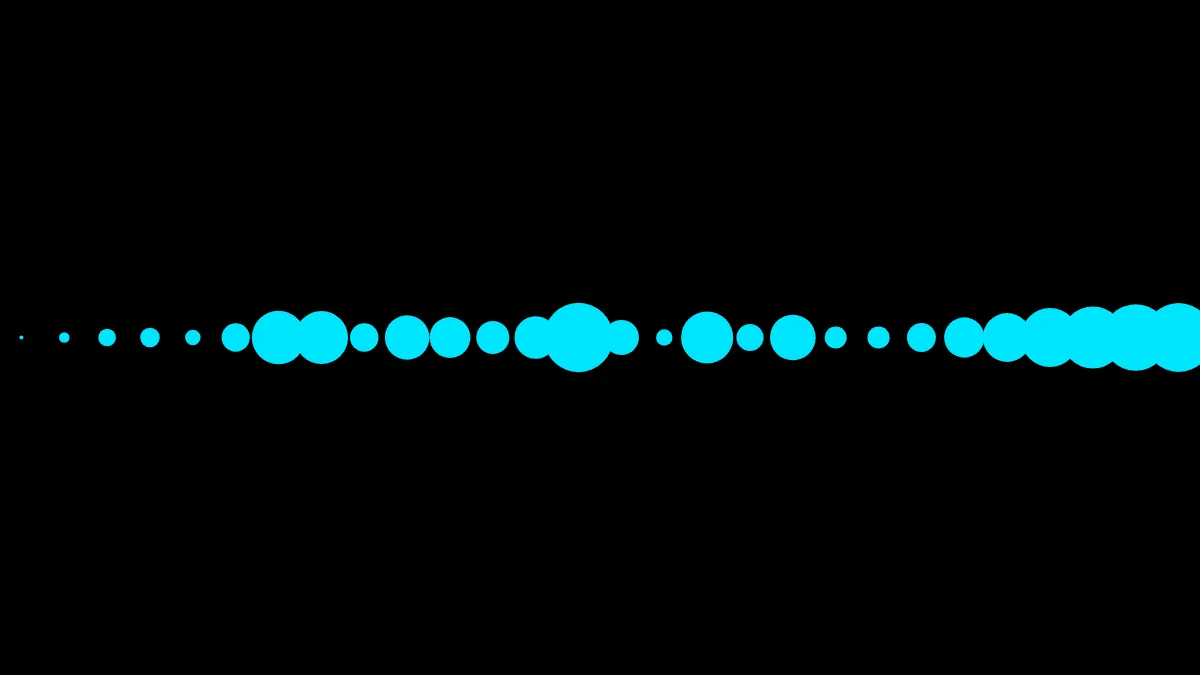
Blob
A closed disc whose entire outline breathes with the sound: one seamless silhouette rather than separate bars, so it feels organic instead of technical. It comes in four sub-styles: solid (a filled disc), outline (the contour stroked, hollow inside), rings (three concentric contours) and petals (a filled contour with thin rays running out from the center). Best when the waveform is the artwork: a centerpiece rather than a strip along the bottom.
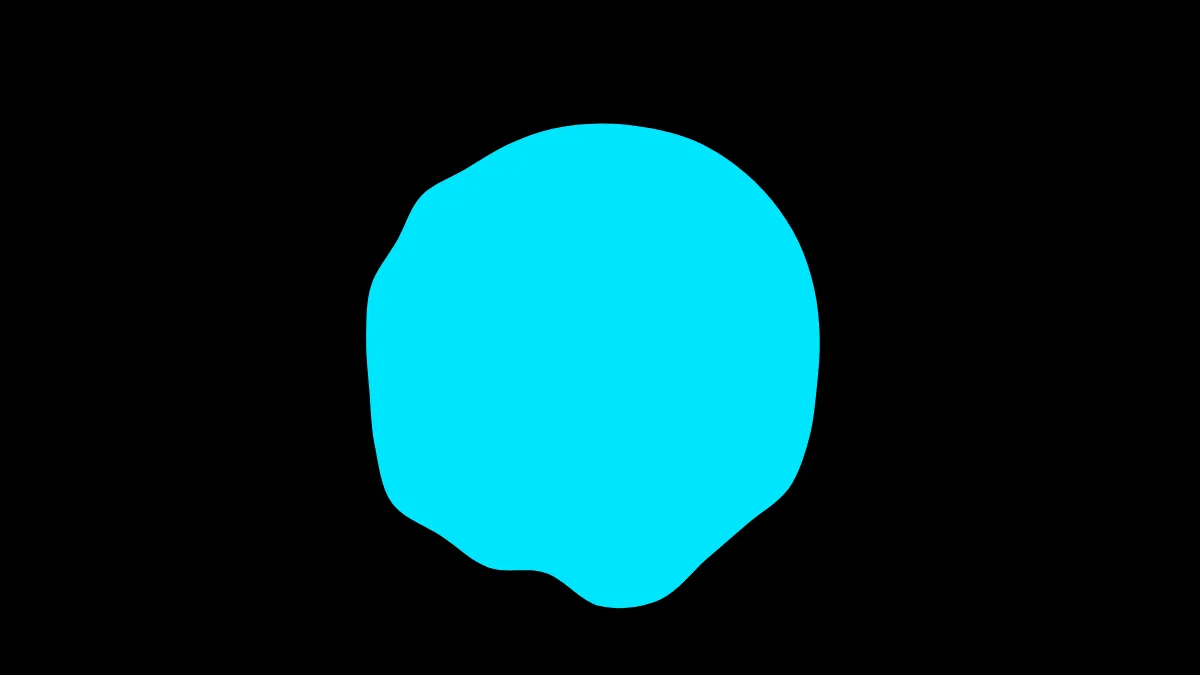
Circle
The scope line wrapped onto a circle: a single continuous closed line pushed both outward and inward, so it reads as two nested outlines breathing against each other. It keeps the technical, signal-like feel of scope but in a centered, symmetrical frame: a good fit for square social posts and for sitting around album art.
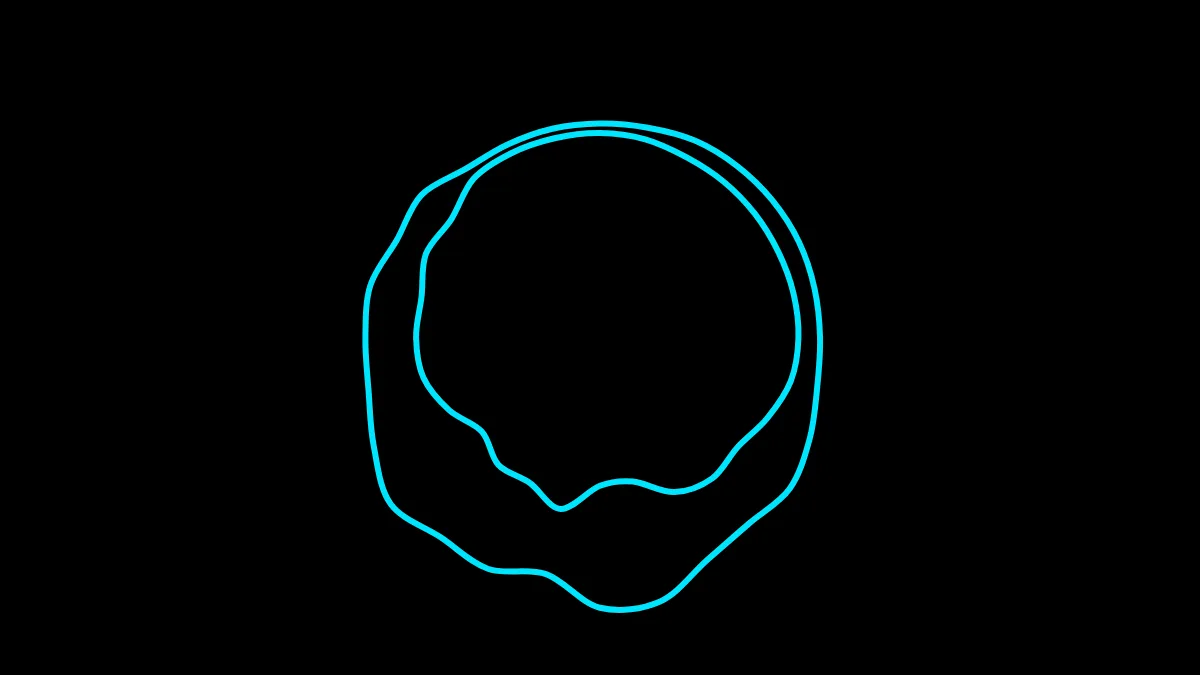
Blob and circle behave differently enough from the six strip styles that they get their own guide: blob and circle as a centerpiece covers their sub-styles and settings in detail.
How to choose quickly
- Beat-driven music → bars or radial.
- Ambient / acoustic → area, blob or scope.
- Speech / podcast → bars or mirror, with the reaction turned up.
- Maximum impact for a release → radial or blob over artwork.
- Square post, waveform around the art → circle.
Bonus: eight more styles with Pro
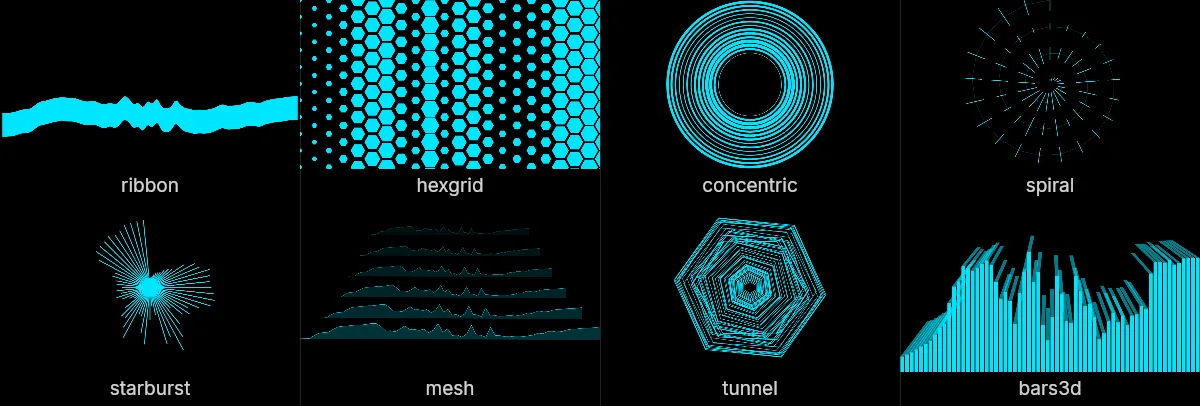
The eight above are the ones this guide is about, and they are free: no account, no watermark, no limit on how many videos you export. If you want more to choose from, a one-time Pro add-on adds eight further shapes. They are a bonus on top, not a replacement: nothing above changes, or moves, or stops working, whether or not anyone buys it.
Ribbon
A single band of colour that wanders across the frame and thickens where the sound is loud. Where area is anchored to the middle, this one drifts, which suits slow material that would make a fixed silhouette look static.
Hexgrid
A honeycomb lattice. Each column listens to its own slice of the spectrum and its cells swell with it, so the whole frame reacts rather than one line of it. The most graphic of the sixteen, and the one that holds up best behind text.
Concentric
Nested rings, lowest frequency innermost, each ring's thickness set by its band. It is radial read the other way round: there, frequency runs around the circle and loudness outward; here frequency runs outward and loudness has nowhere to go but the stroke.
Spiral
The spectrum wound onto a spiral that turns three times from the centre to the edge. Because low and high frequencies land at different radii as well as different angles, a bass-heavy moment thickens the middle rather than bulging one side.
Starburst
Rays from a single point, length by loudness. It is radial without the empty middle, which also means it is the one centred shape with nowhere to put album art.
Mesh
A wireframe landscape: the same ridge repeated into the distance at falling scale, with nearer rows hiding the ones behind. Reads as depth without the clip ever moving a camera.
Tunnel
Nested hexagons receding to a vanishing point, each sized by its band, so a loud frequency swells its ring past its neighbours and the walls appear to bulge at that depth.
Bars3d
The classic bars with a top face skewed toward a vanishing point, so bars left of centre lean right and bars right of centre lean left. The familiar shape, with somewhere to stand.
Pro also adds four more blob sub-styles (halo, shell, spokes and twin), bringing that one shape to eight of its own.
Make your waveform video
Free, no signup, right in your browser. Load a track and export an MP4.
About this article: it was written with the help of AI (Claude) and published by Music Waveform. We review our posts for accuracy against how the tool actually works, but if you spot something off, email damienyvert.dev@gmail.com.