Podcasting
How to Make an Audiogram for Your Podcast (Free)
How do you make a podcast audiogram for free?Cut a 30–60 second clip of your episode, load it into Music Waveform, pick bars or mirror (both read well on speech), set 1080×1080 for a feed post or 1080×1920 for Stories and Reels, and export the MP4.
The waveform exports on a black background, so add your episode title, guest name and captions on top in your video editor and set the waveform layer's blend mode to “Screen”.
An audiogram is a bite-sized video of your podcast: a still or simple background, an animated waveform, and usually a caption. It's the single most effective way to promote an episode on feeds that autoplay video and mute audio.
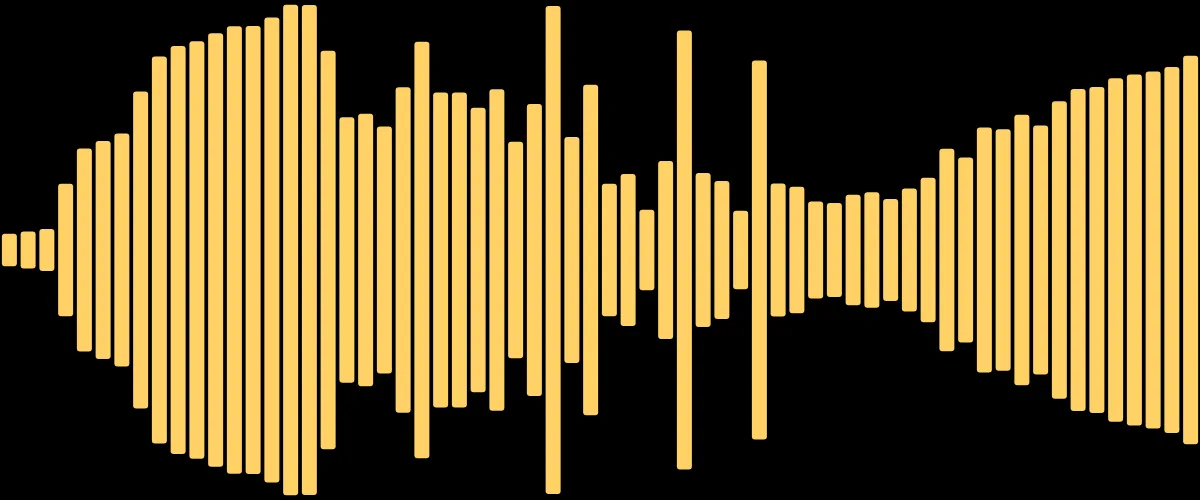
What makes a good audiogram
- A short, punchy clip. 30–60 seconds of the most quotable moment, not the whole episode.
- A visible waveform. Motion stops the scroll and signals "there's audio here" even when muted.
- A square or vertical frame. 1080×1080 for feeds, 1080×1920 for Stories and Reels.
Make the waveform
- Export a 30–60s clip of your episode from your editor as an MP3 or WAV.
- Load it into Music Waveform, the free online waveform video maker. Pick a calm style: bars or mirror read well for speech.
- Choose a bright color that matches your show's branding, and set a square or vertical resolution.
- Export the MP4.
Compositing over a background
Want your waveform over a photo or brand color instead of black? Export as usual, then layer the MP4 over your background in your editor and set the blend mode to Screen. The black drops out and only the waveform shows. Step-by-step: add a waveform over your video.
Why speech visualizes differently from music
Voices have big gaps and a narrower dynamic range than music, so a waveform can look jumpy or flat. Turn the reaction/sensitivity up a little so quiet speech still registers, and prefer smoother styles. There's more on this in visualizing spoken audio.
Make your waveform video
Free, no signup, right in your browser. Load a track and export an MP4.
About this article: it was written with the help of AI (Claude) and published by Music Waveform. We review our posts for accuracy against how the tool actually works, but if you spot something off, email damienyvert.dev@gmail.com.