Speech & voice
How to Turn a Voice Memo or Spoken Audio into a Video
How do you turn a voice memo into a video?Load the recording (an iPhone voice memo is M4A and works as-is), pick bars or mirror, turn the reaction up so quiet speech still registers, and export at a vertical or square resolution.
Speech has bigger gaps and a narrower dynamic range than music, so the default settings can look flat. Reaction and contrast are the two controls that matter; the style matters less.
Waveform tools are usually shown off with music, but they're just as useful for spoken audio: voice memos, interviews, narration, audiobook snippets and voiceovers. Speech just needs a slightly different touch.
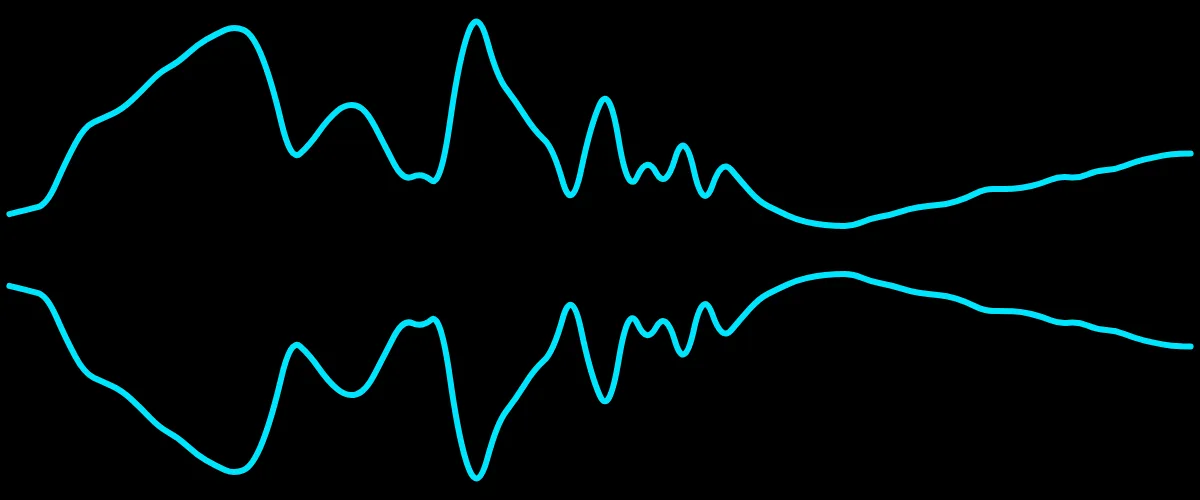
Why speech looks different
Music tends to be dense and loud throughout, so its waveform stays busy. Speech is the opposite: bursts of words separated by silence, with a narrower dynamic range. Left untouched, a speech waveform can look flat during quiet passages and jumpy at consonants.
Settings that work for voice
- Turn the reaction up. Increase the sensitivity so normal talking still drives visible motion, instead of only shouting registering.
- Prefer smoother styles. Bars and mirror stay readable; area gives a gentler, flowing look for calm narration. See the styles explained.
- Keep it bright. As always, light colors composite best: details in choosing colors.
Turn it into something shareable
- Record or export your voice memo as an MP3, WAV or M4A.
- Load it into Music Waveform, the free online audio visualizer, and set a vertical or square resolution for social.
- Raise the reaction, pick bars or mirror, choose a bright color, and export.
- Add captions over the clip in your editor, essential for muted autoplay.
For podcast-specific framing (clip length, branding and captions), see how to make an audiogram.
Make your waveform video
Free, no signup, right in your browser. Load a track and export an MP4.
About this article: it was written with the help of AI (Claude) and published by Music Waveform. We review our posts for accuracy against how the tool actually works, but if you spot something off, email damienyvert.dev@gmail.com.